01
Know
Read the page behind the pitch.Find contract addresses, site age, holders, creator history and the labels traders have given the wallets you see.
 grifo
grifoThe onchain read, before the onchain move
Grifo reads the page you are on, names the wallets behind it and brings the live Robinhood Chain feed into one side panel. Know what you have found. Then decide what to do.
A sharper view of what is onchain.
THE WORKSPACE
The feed, wallet, labels and inspection tools stay close to what you are reading. Open a launch, check its curve and holders, then trade without losing your place.
Explore the guide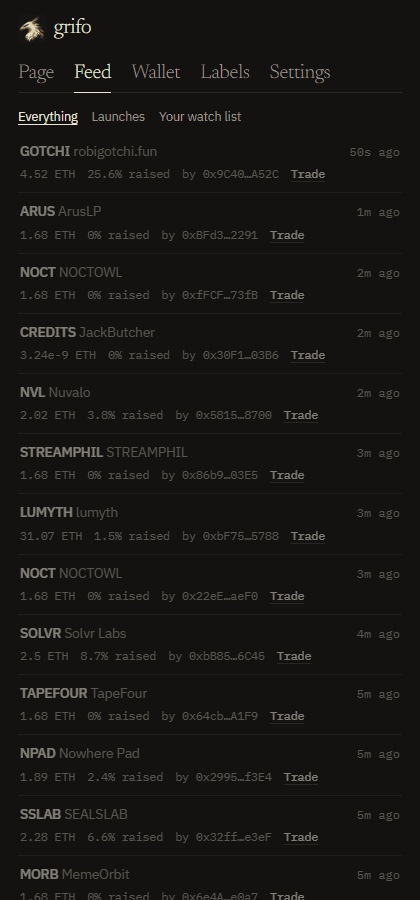
TRY THE PAGE READER
Paste a URL or any text with a contract address. Grifo shows the domain behind it and the addresses it finds.
FROM FIRST GLANCE TO FINAL DECISION
Find contract addresses, site age, holders, creator history and the labels traders have given the wallets you see.
Follow Pons launches, watched wallets and the keywords that surface in your X, Telegram and Discord tabs.
Buy or sell from a row in the feed, with a local trading wallet and spending limits enforced when it signs.
Launch on Pons, make a dev buy, and set rules to sell by time, profit or market cap while your browser is open.
YOUR PAGE. YOUR CONTEXT. YOUR CALL.
Grifo asks for no site access at install. Turn it on where you need it; your trading key stays encrypted on your device.
Get Grifo for Chrome